

Session Length: 30 minutes
Format: Live demo + guided practice
Outcome: You can use Friends to organize work, turn ideas into action, and manage tasks clearly.
Overview
You just finished the PilotNav training. You learned how the three apps stay organized under one control system.
Now you are focusing on one app: Friends.
Friends is where trusted people work together and turn ideas into real plans using Posts, Campaigns, and Missions.
In this session, you will learn how to use Friends to organize work clearly and stay on track.
Learning Goals
By the end of this session, you will be able to:
Explain how the Friends graph works (mutual trust connections).
Find the main areas: Feed, Notifications, Profile, Friends, Campaigns & Missions.
Create Posts, Campaigns, and Missions the right way.
Use Friends to build ideas before sharing them publicly.
Understand why rules and moderation stay inside this app.
Module 1 — What the Friends App Is
Friends is a mutual trust space.
That means:
Both people agree to connect.
Work and conversations stay inside this space.
The focus is teamwork, not public broadcasting.
Use Friends to plan, build, and complete real work.
Module 2 — Getting Around the App
You should know where things are so you can move confidently.
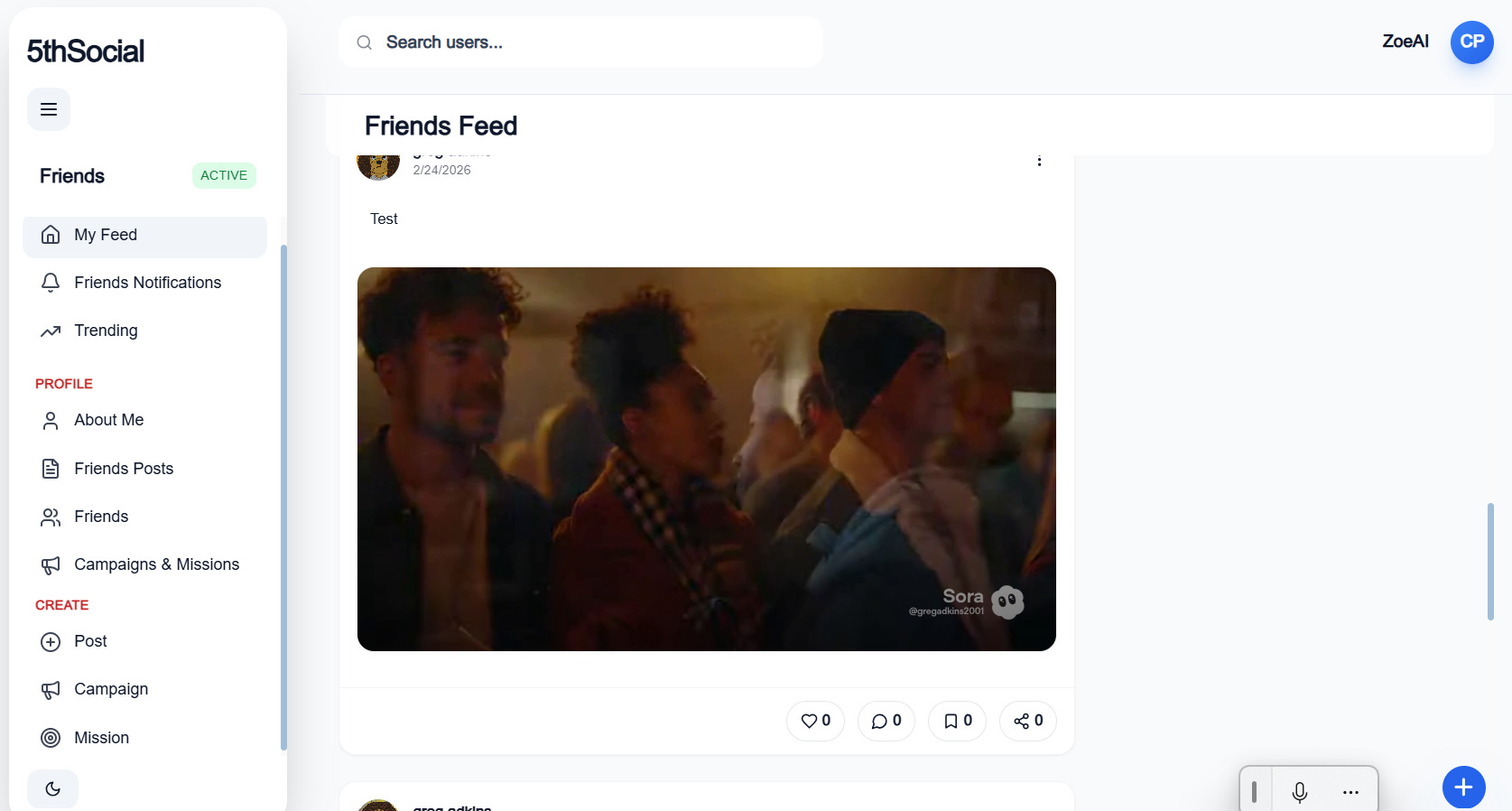
Feed
My Feed — Shows updates and activity from your Friends and active campaigns.
Friends Notifications — Alerts you when something needs your attention or action.
Trending — Highlights active conversations or popular updates inside Friends.
Profile
About Me — Your basic information and personal summary inside Friends.
Friends Posts — All the posts you’ve shared in the Friends space.
Friends — The list of people you are mutually connected with.
Campaigns & Missions — The projects and tasks you are part of or leading.
Create
Post — Share an update, question, or idea with your Friends.
Campaign — Create a structured project with a clear goal.
Mission — Create a specific task with a clear finish line.
This is where work begins.
Module 3 — How the Friends Graph Works
Friends connections are mutual, meaning both sides agree before working together.
Important rules:
You must both accept the connection.
Content stays inside Friends.
Posts from other apps do not automatically appear here.
If something is posted in Followers, it does not show up in Friends automatically.
Module 4 — Using the Feed and Notifications
In Friends, the feed should focus on:
Progress updates
Clear next steps
Questions that need answers
Decisions
Notifications help you see what needs action.
Treat them like signals, not noise.
Module 5 — Using Posts the Right Way
A Post in Friends should move work forward. Use it for:
Status updates
Clear questions
Decision ideas
Summary of results
Before posting, ask:
Does this help the team?
Does this require action?
Should this become a Mission?
Module 6 — Campaigns: Organizing Big Goals
A Campaign is a project with a clear goal. It should have:
A clear objective
A defined focus
The right people involved
Examples:
University Pilot Launch
Product Beta Setup
State Campaign Plan
Campaigns organize the big picture.
Module 7 — Missions: Getting Things Done
A Mission is a task inside a Campaign. It should include:
Who is responsible
What “done” means
A clear time goal
Examples:
Draft outreach email (done when reviewed and approved)
Identify 10 ambassadors (done when list is complete)
Produce intro clip (done when uploaded)
Missions turn plans into results.
Module 8 — Post vs Campaign vs Mission
Use:
Post for updates or questions.
Campaign for a full project.
Mission for a clear task with a finish line.
If action is needed, it should not stay a Post.
Module 9 — Rules and Moderation
Friends has its own rules and controls. Inside the Control Panel you may see:
Moderation
Feed Admin
Settings
These rules apply only inside Friends.
Module 10 — Quick Practice
Try this:
Create a Campaign with one clear goal.
Add two Missions with clear “done” rules.
Post an update explaining the plan.
Now check your Notifications.
Is everything clear?
Module 11 — Common Mistakes
Avoid these mistakes:
Using Posts as long-term task lists
Creating Campaigns without clear goals
Writing Missions without clear finish lines
Treating Friends like a public feed
Structure keeps work moving.
Module 12 — Final Check
You should be able to explain:
What the Friends graph is.
When to use Post vs Campaign vs Mission.
Why content stays inside this app.
Final Quiz
Section 1 — Multiple Choice
What type of graph is Friends?
A. Broadcast graph
B. Mutual trust graph
C. Public discovery graph
D. Anonymous graphWhat is the main purpose of Friends?
A. Going viral
B. Professional recruiting only
C. Trusted teamwork and task completion
D. Random content sharingWhat is a Mission?
A. A general update
B. A project goal
C. A clear task with a finish line
D. A public videoWhy does Friends keep content separate from other apps?
A. To reduce confusion and protect teamwork
B. Because it cannot share data
C. Because public posting is banned
D. Because moderation is unnecessary
Short Answer
In one sentence, explain the difference between a Campaign and a Mission.
Give an example of turning a Post into a Mission.
Answer Key
B
C
C
A